

Dev Guides
Python SDK, LangChain and automation
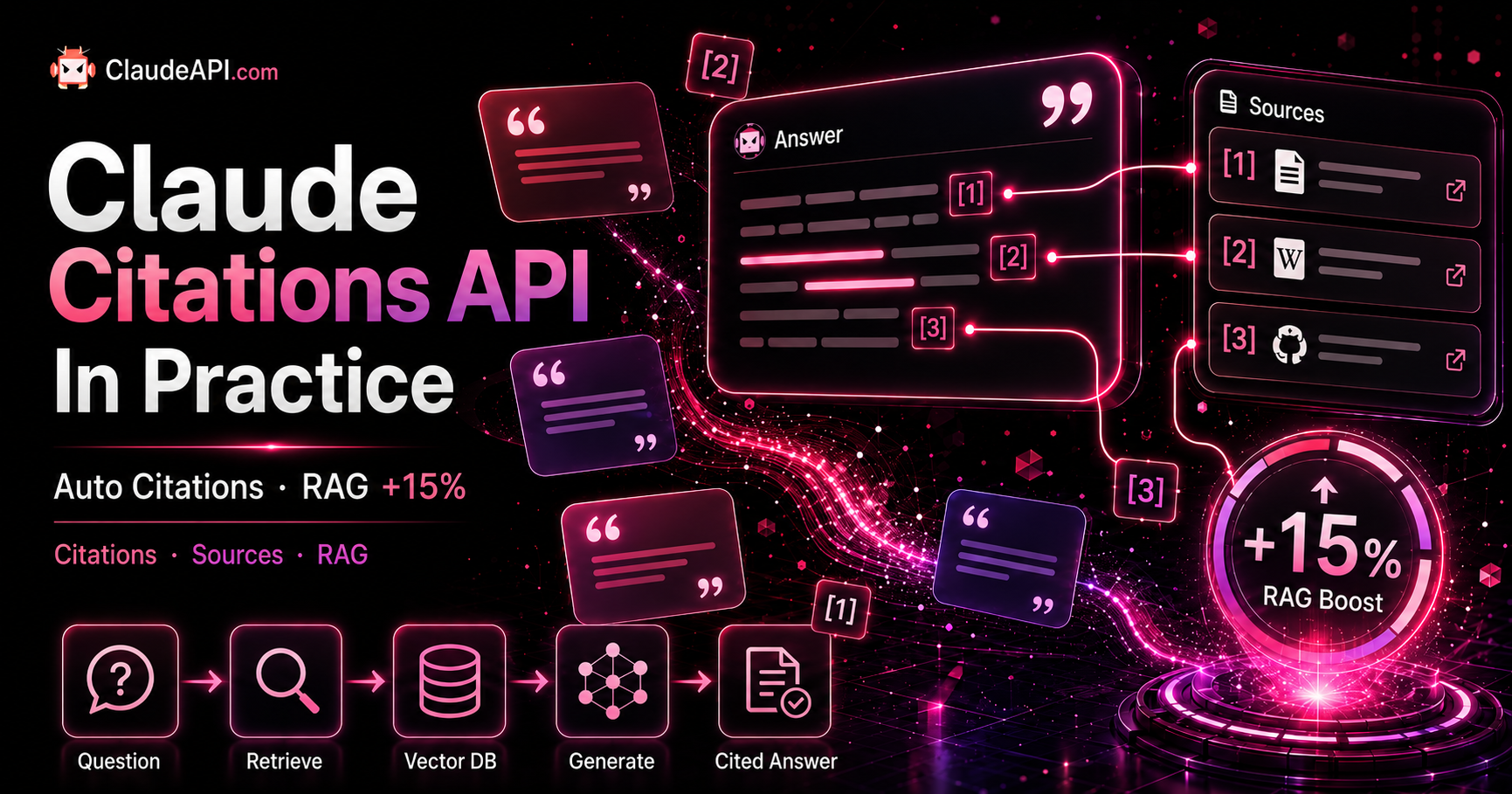
Claude Citations API in Practice: Auto-Annotated Source References That Boost RAG Accuracy by 15%
Claude Citations enables the model to precisely cite the exact document passages used in its responses, helping reduce hallucinations and improve auditability. This article provides complete code examples for three document formats: PDF, plain text, and custom documents. It also compares Claude Citations with manually prompted citations, and explains how cited_text can help reduce costs because it is not billed.
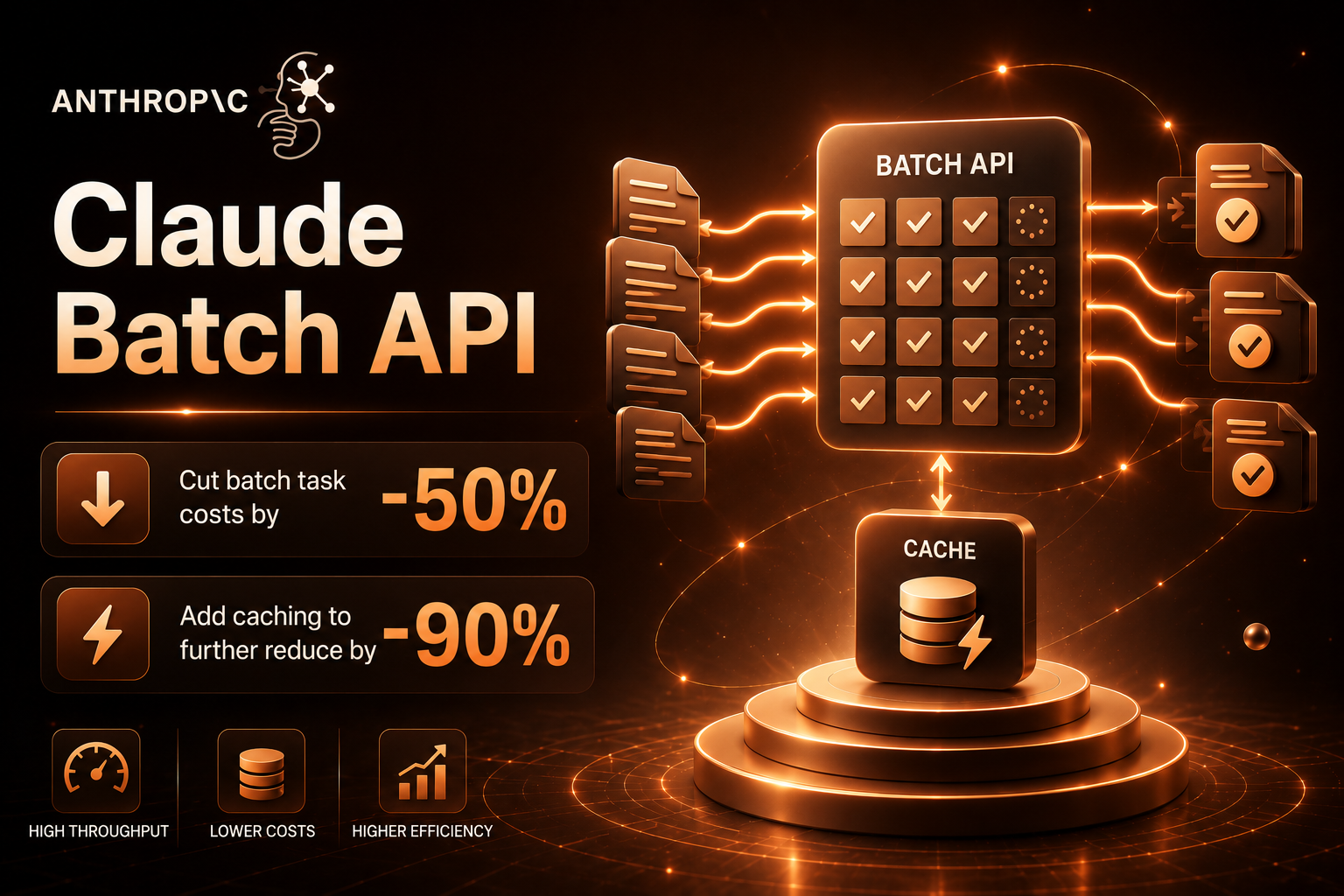
Claude Batch API in Practice: Cut Bulk Workload Costs by 50%, Then Stack Caching for Another 90% Off
Run large offline workloads with the Message Batches API and get up to 50% off official pricing. Combine it with prompt caching, and your effective cost can drop to around one-tenth of the non-cached baseline. In this guide, we’ll cover when batch processing makes sense, provide complete submit-and-poll implementation code, explain how to combine Message Batches with prompt caching in production, and highlight the common pitfalls to avoid.
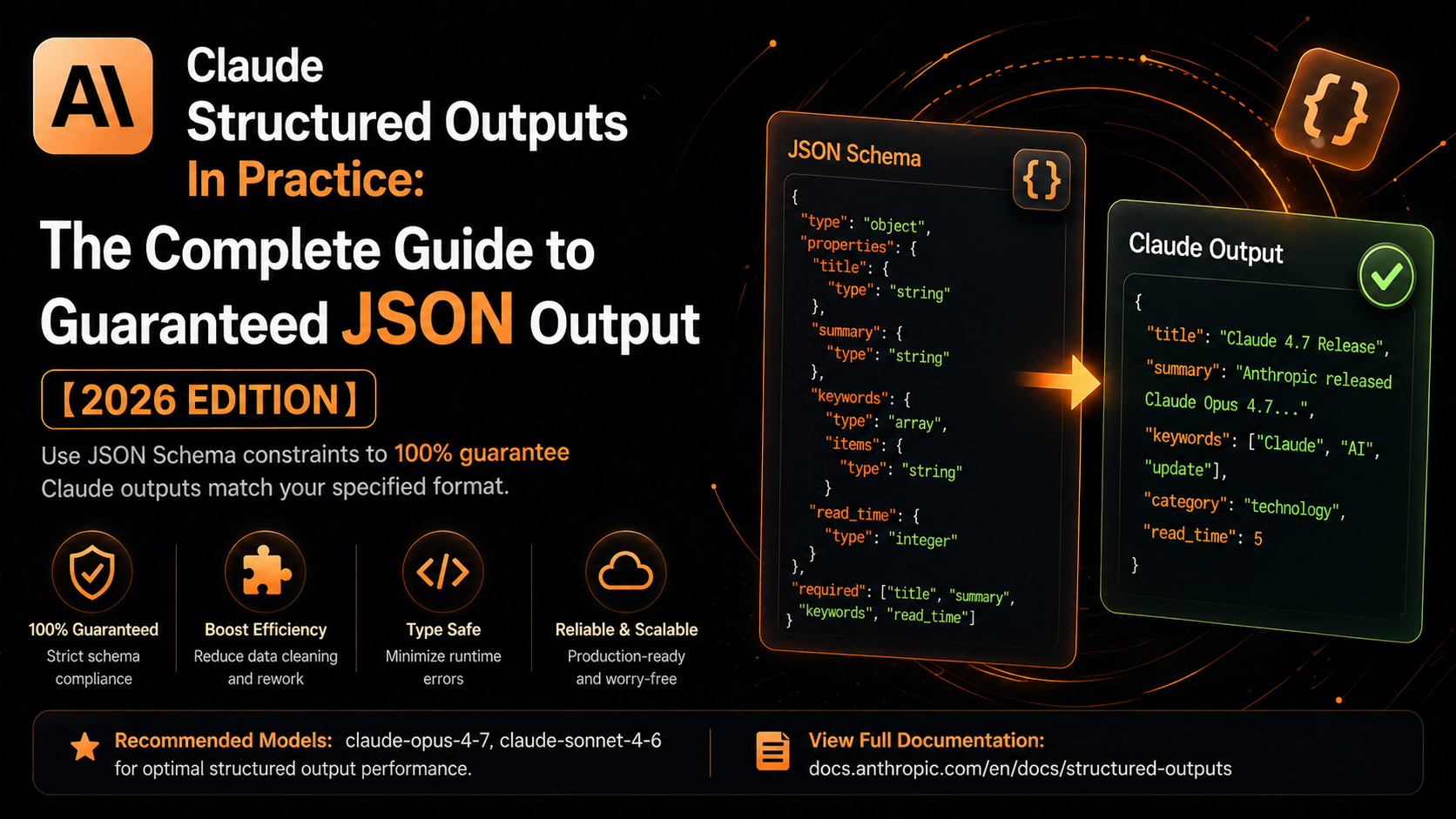
Guaranteed JSON Every Time: Using Claude's Structured Outputs with JSON Schema
Stop wrestling with unreliable prompt constraints and fragile regex parsing. This guide walks you through using Claude API's Structured Outputs to guarantee schema-compliant JSON responses from the model — every single time.
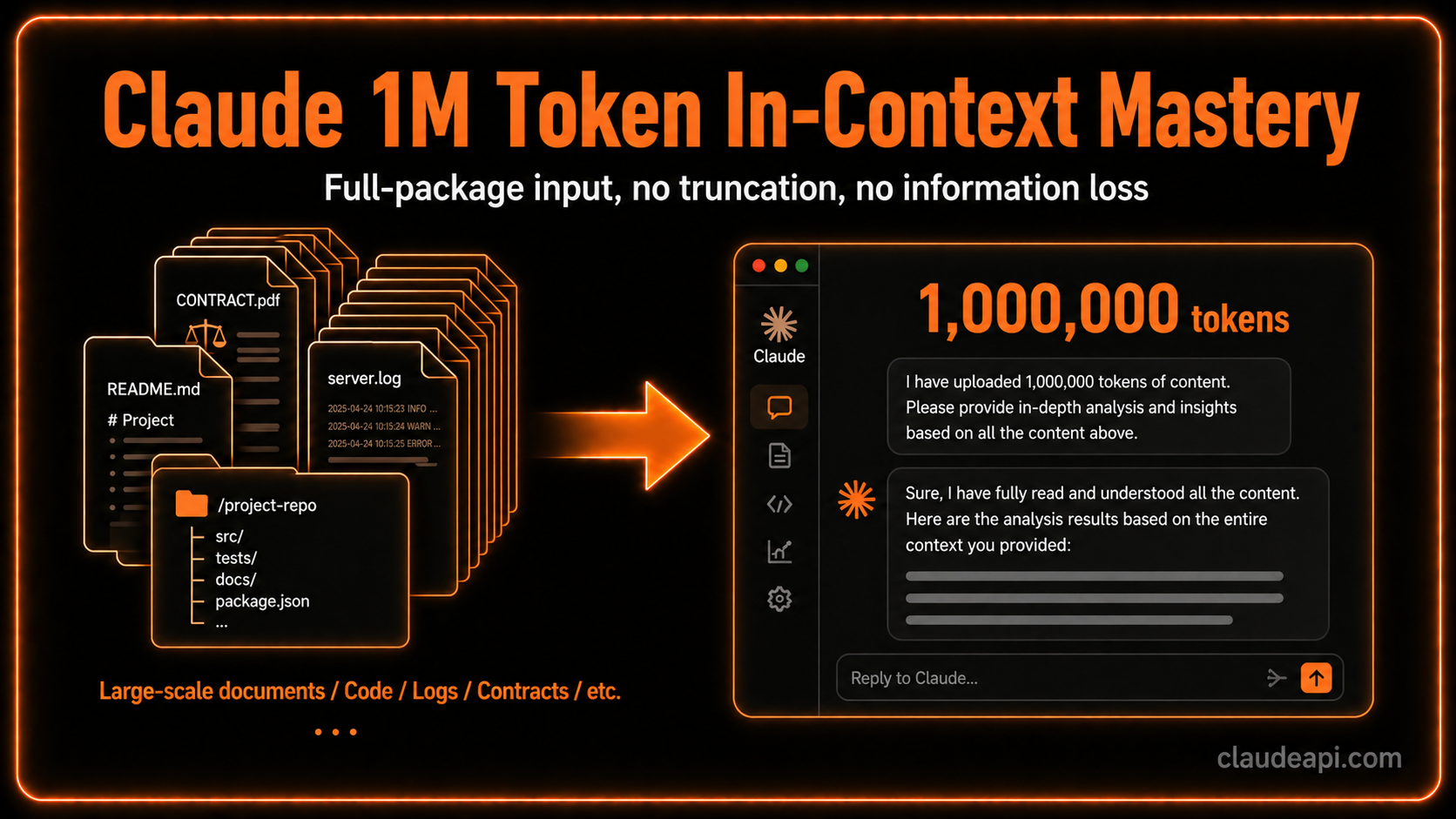
Claude 1M Token Context in Practice: When to Use It and How Not to Waste It
Claude Opus 4.7, Opus 4.6, and Sonnet 4.6 now all support 1M context in GA — no beta flag needed. But a massive context window doesn't mean "more is always better." This post walks through three real-world scenarios — full-repo code review, contract comparison, and incident debugging — to show you how to get actual value out of that 1M token window.
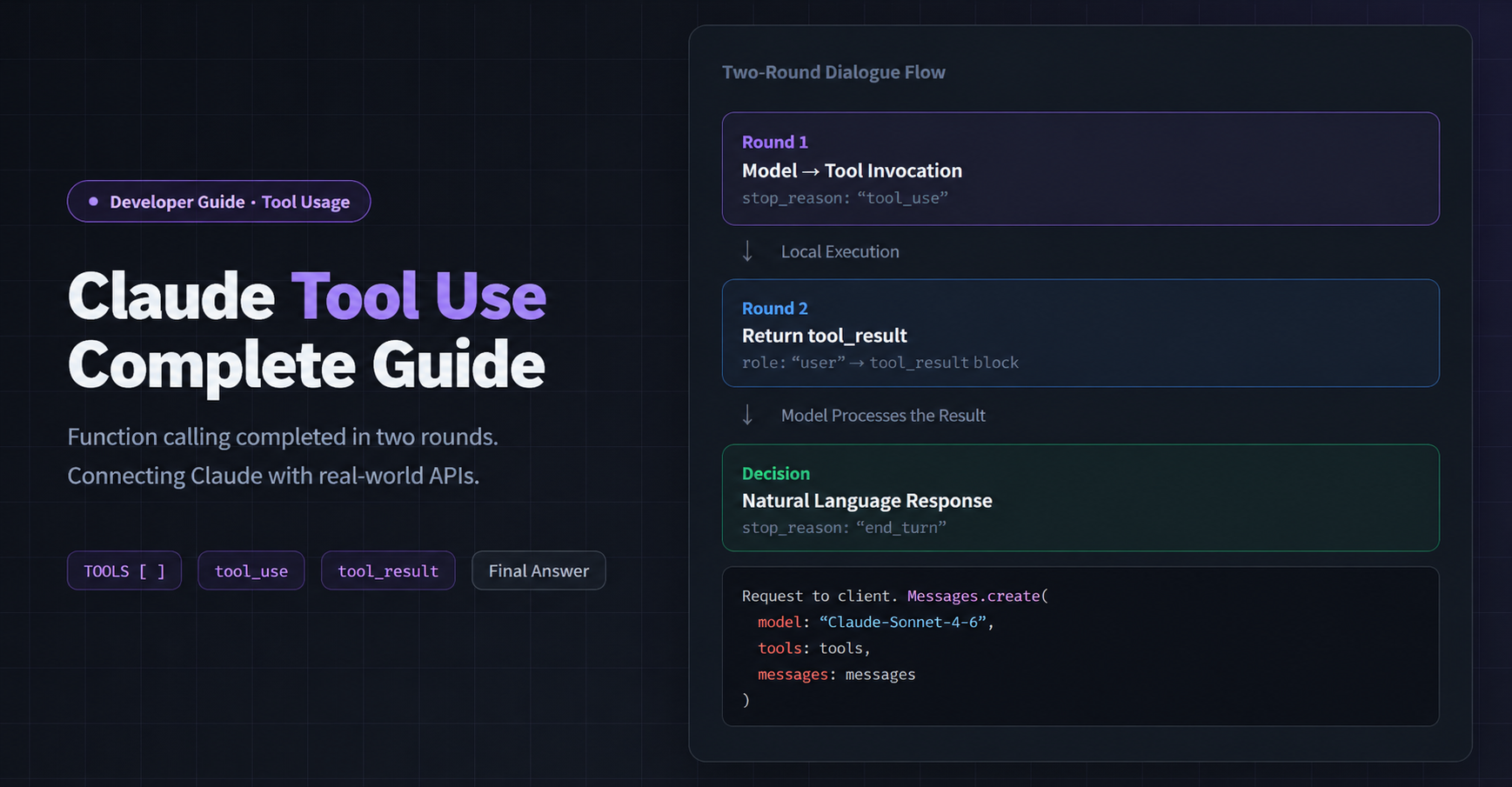
Claude API Tool Use in Practice: Let AI Call Your Functions and External Services
Tool Use is the core capability that turns Claude from a chatbot into an agent that gets things done. This post includes three complete Python examples — single tool calls, parallel multi-tool calls, and business-scenario error handling — plus 4 common pitfalls to avoid.

10 Best AI Clients for Claude API: A Developer's Comparison (2026)
We tested Cherry Studio, Chatbox, NextChat, Cursor, and 6 other popular Claude clients — comparing features, setup complexity, and ideal use cases to help you find the right tool.
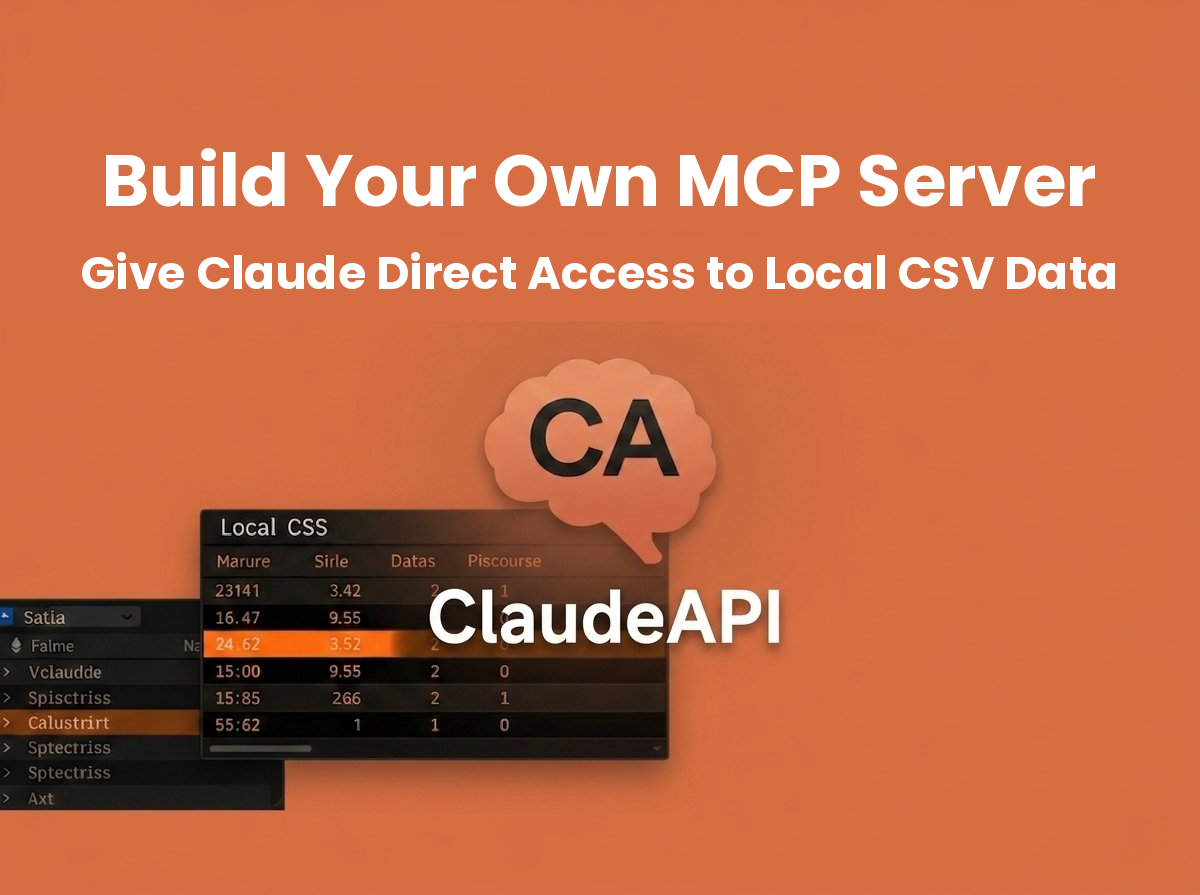
Build Your Own MCP Server: Give Claude Direct Access to Local CSV Data
MCP (Model Context Protocol) is Anthropic's open protocol that lets Claude access local files, databases, and custom tools. In this guide, you'll build an MCP Server that allows Claude to query CSV data directly — in under 100 lines of Python, capable of answering complex data analysis questions in under 5 seconds.
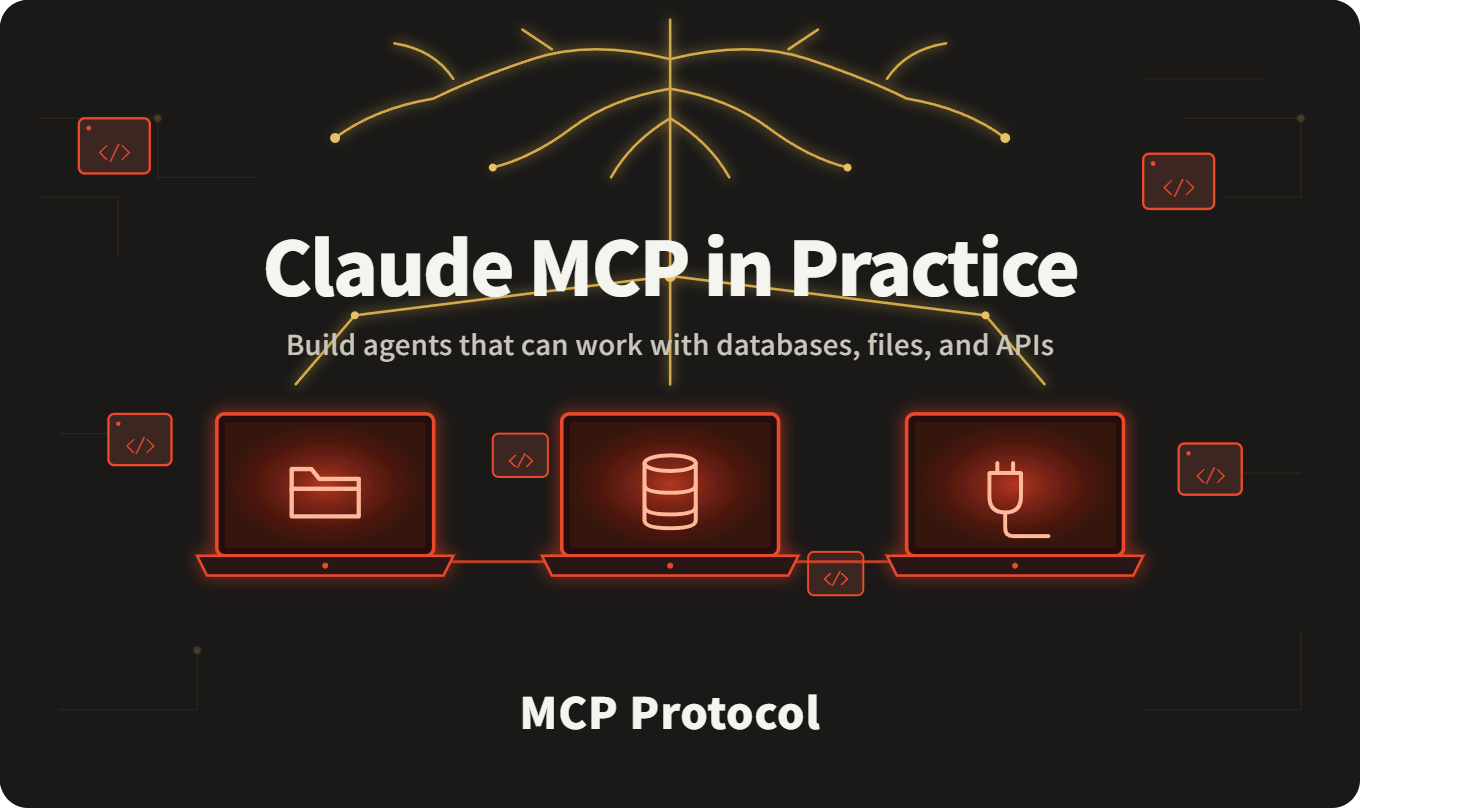
Claude MCP in Practice: Give Your AI Agent Real Control Over Databases, Files, and APIs (Full Code Included)
Build three MCP Servers from scratch — filesystem, SQLite, and HTTP API — connect them to Claude, and create an agent that can actually do things. Complete, runnable Python code included.
Claude API with Python: The Complete Beginner's Guide — From Setup to Streaming Output
A hands-on walkthrough for calling the Claude API in Python. Covers installation, your first API call, multi-turn conversations, and streaming output — with fully working code and real screenshots. No VPN or proxy required.

Build AI Apps with Claude API + LangChain: A Complete 2026 Developer Guide
LangChain is one of the most popular frameworks for building LLM-powered applications, and Claude is widely regarded as one of the strongest models for coding and reasoning tasks. Together, they make a powerful stack for shipping everything from simple chatbots to complex AI agents. This guide walks you through 6 core use cases with LangChain + Claude API — all code is tested and ready to run (langchain-anthropic 1.4.0).
Auto-Generate Weekly Status Reports with Claude API: Drop in Some Keywords, Get a Full Report in 10 Seconds (2026)
Step-by-step guide to building a weekly report generator in Python with the Claude API. Feed it a few keywords from your week, and the AI automatically structures them into a clean, formatted status report — three output styles included. Works from anywhere without a VPN, and every code snippet runs as-is.