

Dev Guides
Python SDK, LangChain and automation

Claude Code + HyperFrames Hands-On: Running the Full AI Video Asset Generation Workflow Locally
Use Claude Code with HyperFrames by HeyGen to run the full workflow from prompt to a 30-second 1080×1920 vertical MP4. Includes skill installation, environment checks, troubleshooting notes, and a same-topic comparison with Codex App.

Practical Guide to Extended Thinking: How to Use Thinking Budgets in the Opus 4.7 Era
Claude Opus 4.7 has deprecated budget_tokens and only accepts adaptive thinking with the effort parameter. This article covers complete Extended Thinking call patterns for Opus 4.7, Opus 4.6, and Sonnet 4.6, the correct way to use interleaved thinking in tool loops, prompt caching pitfalls, and a scenario-based effort selection table.
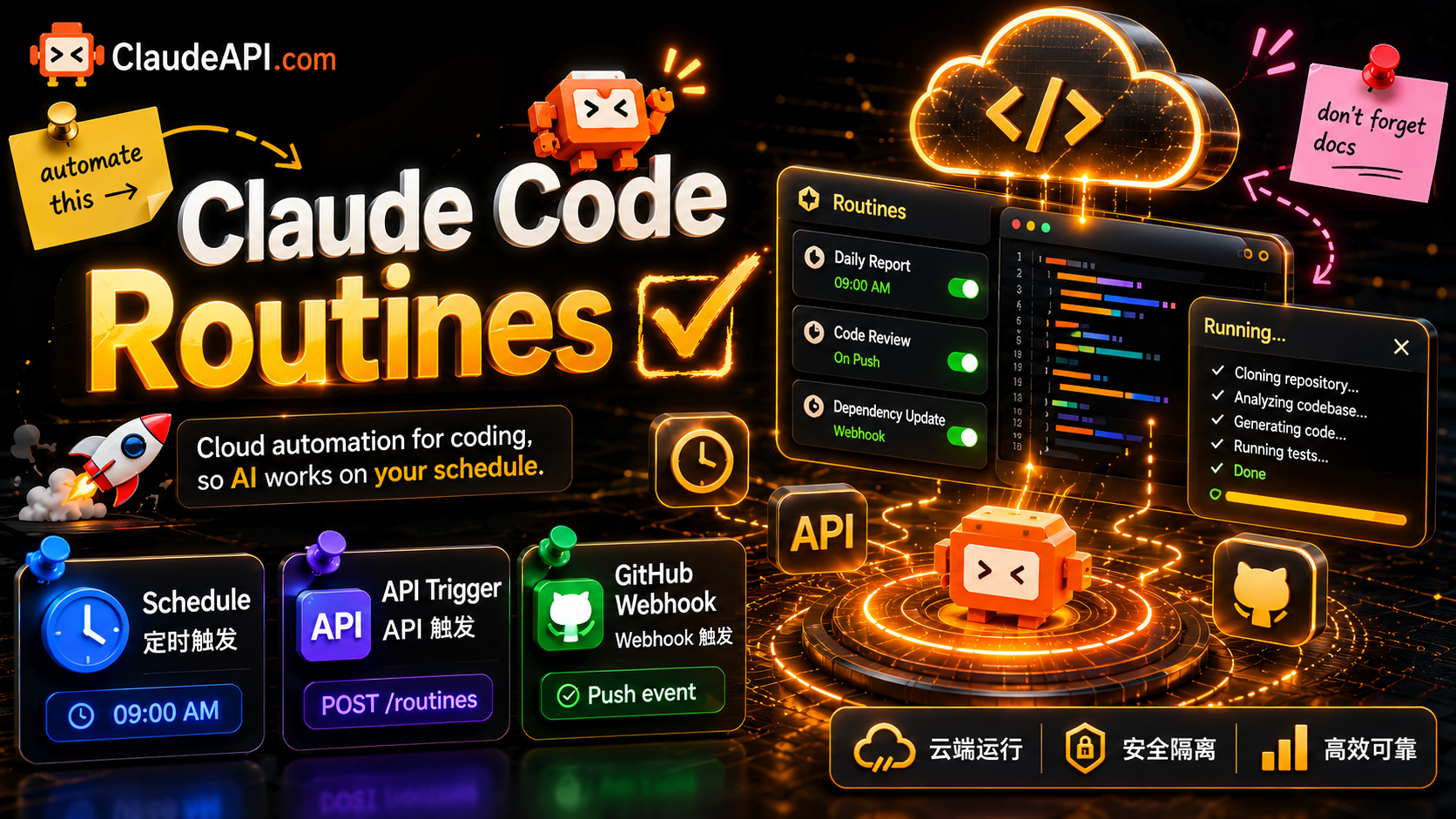
Claude Code Routines Launches: Cloud-Based Automated Coding Triggered by Schedules, APIs, and GitHub Webhooks
Anthropic has introduced Routines for Claude Code, enabling coding tasks to run automatically in the cloud through schedules, HTTP API calls, or GitHub events, without an always-on local machine or self-managed cron. This article explains how Routines work, how to configure the three trigger types, branch safety and daily run limits by plan, and includes complete code for integrating automation with the Claude API.
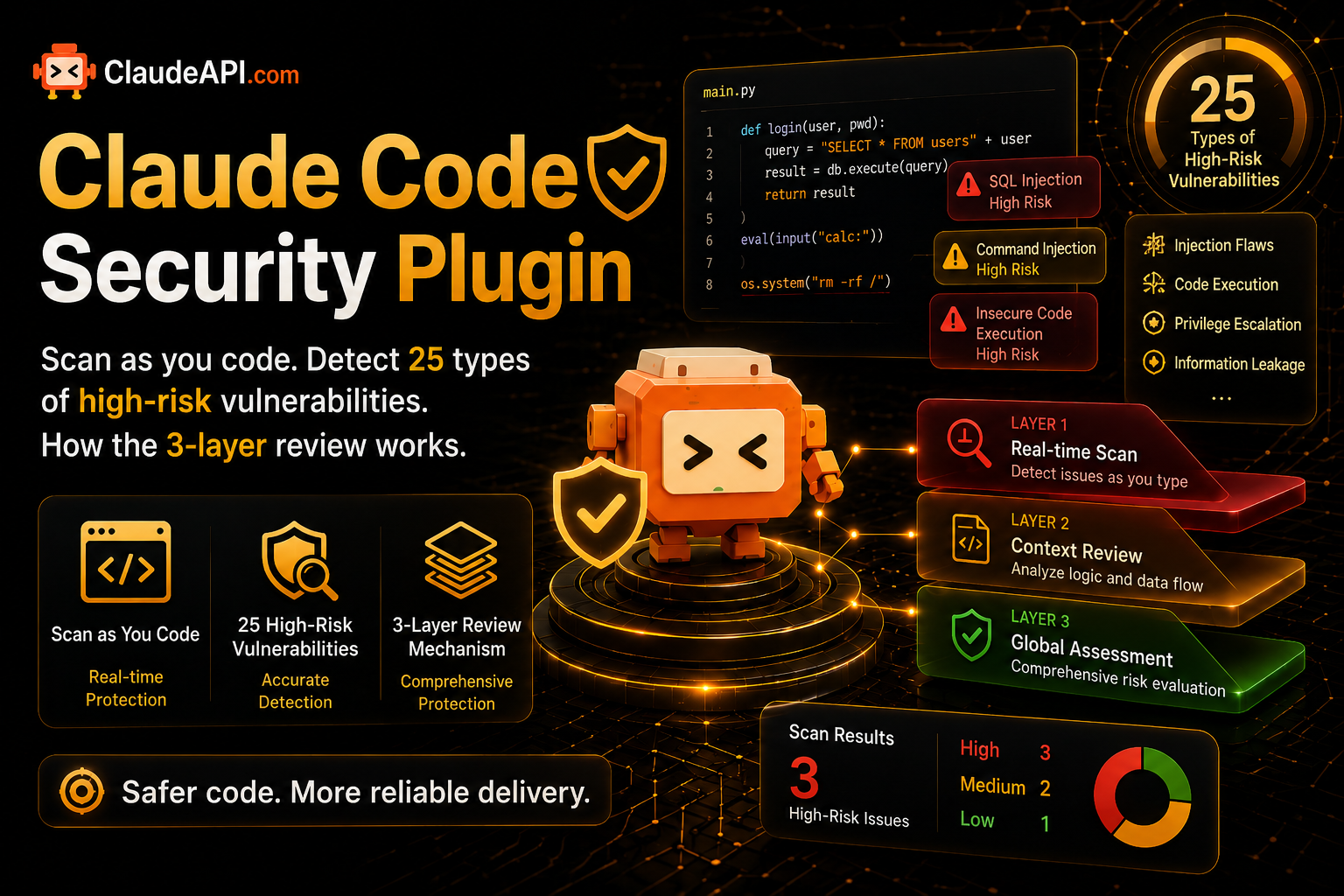
Getting Started with the Claude Code Security Plugin: Check 25 High-Risk Vulnerability Types While You Code, and How the Three-Layer Review Works
Anthropic has released the free security-guidance plugin for Claude Code, which reviews and helps fix vulnerabilities in real time as you write code. This article explains the one-command installation, the three-layer review system: zero-cost per-edit regex checks, end-of-turn LLM diff review, and agentic cross-file review at commit time, along with the vulnerability types it covers, prerequisites, and its best-effort, non-blocking limits.
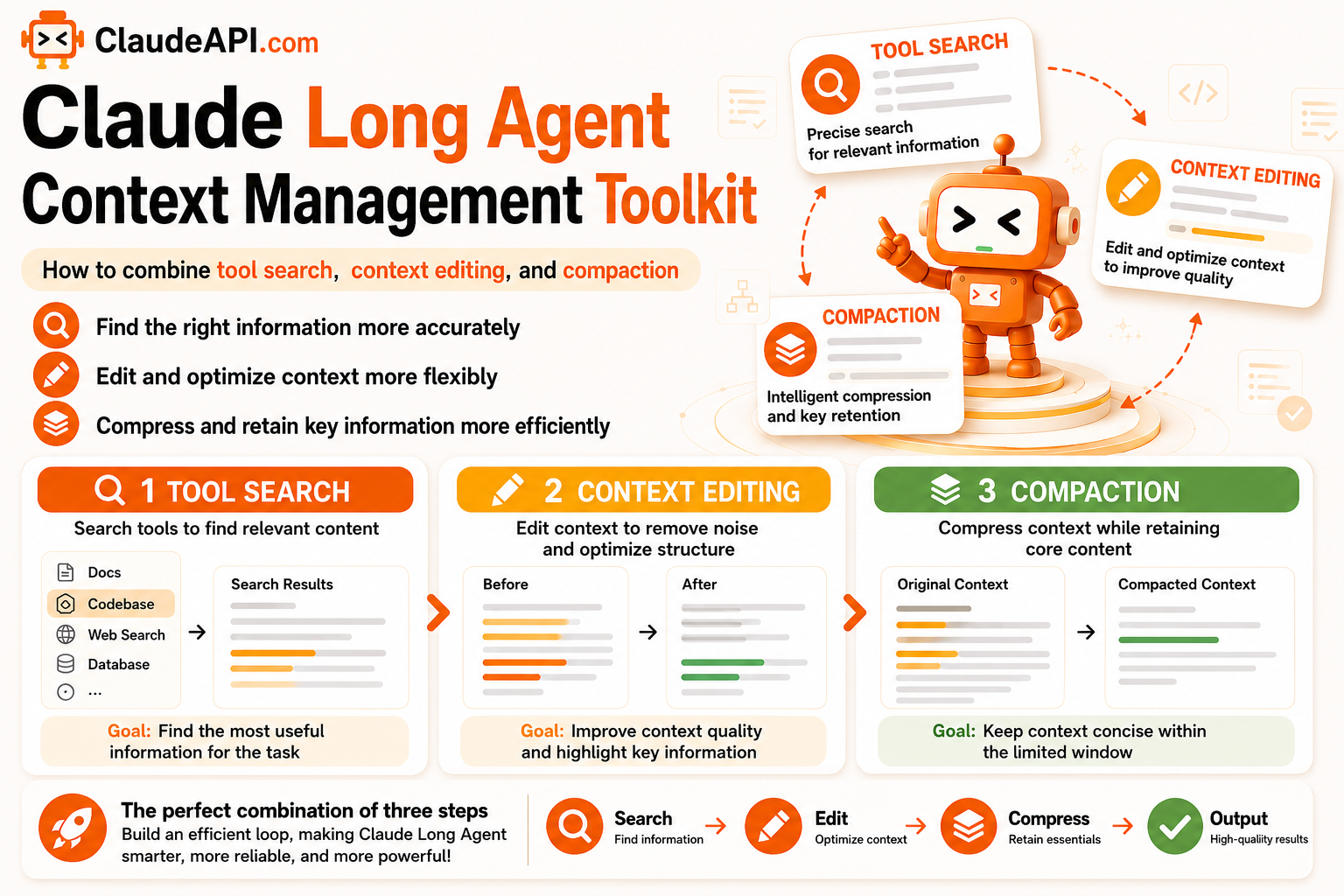
Claude Long-Agent Context Management Toolkit: How to Combine Tool Search, Context Editing, and Compaction
Long-running agents can overflow their context windows as tool results accumulate. This article explains three Claude API context management techniques: tool search for loading tools on demand, context editing for removing stale tool_result blocks, and compaction for summarizing and continuing when the window is nearly full, plus how to combine them with prompt caching to run long agents reliably and cost-efficiently. Includes complete code and practical tips for preserving cache hits.
Claude Code tips: 12 production practices that make it useful
Twelve production-tested Claude Code practices for hooks, slash commands, CLAUDE.md, parallel subagents, context compaction, cost control, and stable ClaudeAPI access.