如果你的业务需要每天生成几百份报告、处理几千份合同、或者批量分析大量代码文件——你大概率踩过这两个坑:
- 逐条调用 API,速率限制(Rate Limit)频繁触发,程序跑一半就挂
- 成本失控,实时调用价格高,跑完一批任务账单让你倒吸一口冷气
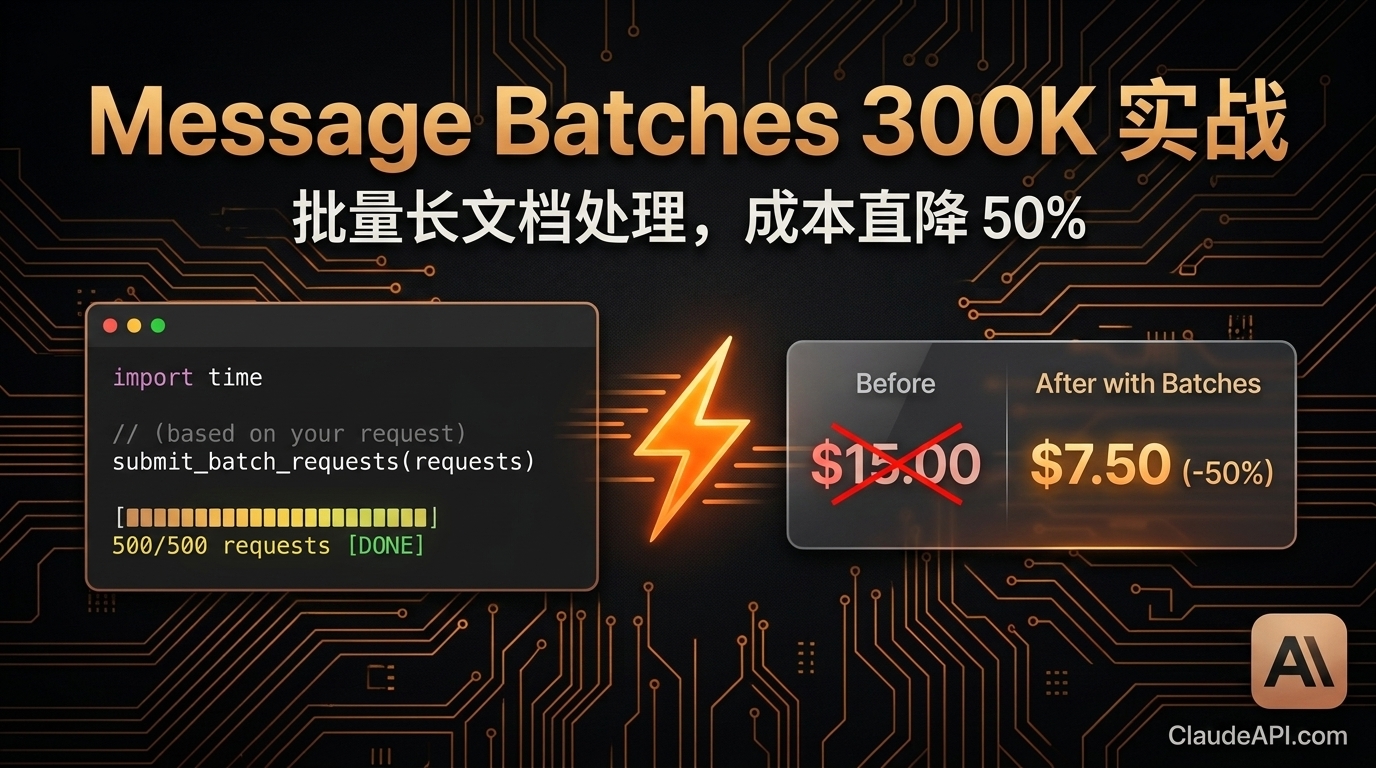
Anthropic 的 Message Batches API 就是为这个场景设计的。最新版本单次输出上限已升至 30 万 Token,配合批处理的 50% 折扣定价,是目前处理长文档批量任务性价比最高的方案之一。
本文直接上实战,带你从零跑通一个「批量生成项目分析报告」的完整流程。
先搞清楚:Message Batches API 是什么
普通 API 调用是同步的:你发一个请求,等待响应,拿到结果,再发下一个。
Batches API 是异步的:你一次性提交最多 10,000 个请求,Anthropic 在后台处理,你过一段时间来取结果。
| 对比项 | 普通 Messages API | Message Batches API |
|---|---|---|
| 调用方式 | 同步,逐条等待 | 异步,批量提交 |
| 定价 | 标准价格 | 标准价格 × 50% |
| 单次输出上限 | 8192 Token(默认) | 300,000 Token |
| 最大请求数/批次 | 1 | 10,000 |
| 适用场景 | 实时交互、低延迟需求 | 批量生成、离线处理 |
| 结果获取 | 立即返回 | 轮询或等待完成 |
结论:只要你的任务不需要实时返回,就该用 Batches API。
实战场景:批量生成 500 份项目分析报告
假设你有 500 个开源项目的 README 文件,需要为每个项目生成一份结构化分析报告,包含:技术栈评估、适用场景、潜在风险、推荐指数。
环境准备
pip install anthropic
pip install anthropic
通过 ClaudeAPI.com 获取 API Key,在国内无需代理直接调用。
import anthropic
import json
import time

client = anthropic.Anthropic(
    api_key="your-api-key",
    base_url="https://gw.claudeapi.com"  # ClaudeAPI.com 转发地址
)
import anthropic
import json
import time

client = anthropic.Anthropic(
    api_key="your-api-key",
    base_url="https://gw.claudeapi.com"  # ClaudeAPI.com 转发地址
)
第一步:构建批量请求
def build_batch_requests(projects: list[dict]) -> list[dict]:
    """
    projects: [{"id": "proj_001", "name": "...", "readme": "..."}]
    """
    requests = []

    for project in projects:
        request = {
            "custom_id": project["id"],  # 自定义 ID,用于匹配结果
            "params": {
                "model": "claude-opus-4-6",
                "max_tokens": 300000,  # 单次输出上限 30 万 Token
                "messages": [
                    {
                        "role": "user",
                        "content": f"""请对以下开源项目进行深度分析,输出结构化报告:

项目名称:{project['name']}

README 内容:
{project['readme']}

请按以下结构输出分析报告:

## 项目概览
(一句话描述项目核心功能)

## 技术栈评估
(列出主要技术栈,评估成熟度和社区活跃度)

## 核心使用场景
(3-5 个最适合的使用场景)

## 潜在风险与局限
(技术债、维护风险、适用边界)

## 综合推荐指数
(1-10 分,附理由)
"""
                    }
                ]
            }
        }
        requests.append(request)

    return requests
def build_batch_requests(projects: list[dict]) -> list[dict]:
    """
    projects: [{"id": "proj_001", "name": "...", "readme": "..."}]
    """
    requests = []

    for project in projects:
        request = {
            "custom_id": project["id"],  # 自定义 ID,用于匹配结果
            "params": {
                "model": "claude-opus-4-6",
                "max_tokens": 300000,  # 单次输出上限 30 万 Token
                "messages": [
                    {
                        "role": "user",
                        "content": f"""请对以下开源项目进行深度分析,输出结构化报告:

项目名称:{project['name']}

README 内容:
{project['readme']}

请按以下结构输出分析报告:

## 项目概览
(一句话描述项目核心功能)

## 技术栈评估
(列出主要技术栈,评估成熟度和社区活跃度)

## 核心使用场景
(3-5 个最适合的使用场景)

## 潜在风险与局限
(技术债、维护风险、适用边界)

## 综合推荐指数
(1-10 分,附理由)
"""
                    }
                ]
            }
        }
        requests.append(request)

    return requests
第二步:提交批次
def submit_batch(projects: list[dict]) -> str:
    """提交批次,返回 batch_id"""

    requests = build_batch_requests(projects)

    print(f"正在提交 {len(requests)} 个请求...")

    batch = client.messages.batches.create(requests=requests)

    print(f"批次已提交!")
    print(f"  Batch ID: {batch.id}")
    print(f"  状态: {batch.processing_status}")
    print(f"  请求总数: {batch.request_counts.processing}")

    return batch.id
def submit_batch(projects: list[dict]) -> str:
    """提交批次,返回 batch_id"""

    requests = build_batch_requests(projects)

    print(f"正在提交 {len(requests)} 个请求...")

    batch = client.messages.batches.create(requests=requests)

    print(f"批次已提交!")
    print(f"  Batch ID: {batch.id}")
    print(f"  状态: {batch.processing_status}")
    print(f"  请求总数: {batch.request_counts.processing}")

    return batch.id
第三步:轮询等待完成
def wait_for_batch(batch_id: str, poll_interval: int = 60) -> None:
    """轮询批次状态,直到完成"""

    print(f"\n等待批次处理完成(每 {poll_interval} 秒检查一次)...")

    while True:
        batch = client.messages.batches.retrieve(batch_id)
        counts = batch.request_counts

        print(f"[{time.strftime('%H:%M:%S')}] 状态: {batch.processing_status} | "
              f"处理中: {counts.processing} | "
              f"成功: {counts.succeeded} | "
              f"失败: {counts.errored}")

        if batch.processing_status == "ended":
            print(f"\n批次处理完成!")
            print(f"  成功: {counts.succeeded}")
            print(f"  失败: {counts.errored}")
            print(f"  过期: {counts.expired}")
            break

        time.sleep(poll_interval)
def wait_for_batch(batch_id: str, poll_interval: int = 60) -> None:
    """轮询批次状态,直到完成"""

    print(f"\n等待批次处理完成(每 {poll_interval} 秒检查一次)...")

    while True:
        batch = client.messages.batches.retrieve(batch_id)
        counts = batch.request_counts

        print(f"[{time.strftime('%H:%M:%S')}] 状态: {batch.processing_status} | "
              f"处理中: {counts.processing} | "
              f"成功: {counts.succeeded} | "
              f"失败: {counts.errored}")

        if batch.processing_status == "ended":
            print(f"\n批次处理完成!")
            print(f"  成功: {counts.succeeded}")
            print(f"  失败: {counts.errored}")
            print(f"  过期: {counts.expired}")
            break

        time.sleep(poll_interval)
第四步:提取并保存结果
def collect_results(batch_id: str) -> dict[str, str]:
    """收集所有成功的结果"""

    results = {}
    errors = []

    for result in client.messages.batches.results(batch_id):
        custom_id = result.custom_id

        if result.result.type == "succeeded":
            # 提取文本内容
            content = result.result.message.content[0].text
            results[custom_id] = content

        elif result.result.type == "errored":
            error_msg = result.result.error.error.message
            errors.append({"id": custom_id, "error": error_msg})
            print(f"请求失败 [{custom_id}]: {error_msg}")

    if errors:
        with open("batch_errors.json", "w", encoding="utf-8") as f:
            json.dump(errors, f, ensure_ascii=False, indent=2)
        print(f"\n{len(errors)} 个请求失败,详情已保存至 batch_errors.json")

    return results


def save_reports(results: dict[str, str], output_dir: str = "reports") -> None:
    """将报告保存为独立文件"""
    import os
    os.makedirs(output_dir, exist_ok=True)

    for custom_id, content in results.items():
        filepath = os.path.join(output_dir, f"{custom_id}.md")
        with open(filepath, "w", encoding="utf-8") as f:
            f.write(content)

    print(f"\n{len(results)} 份报告已保存至 {output_dir}/ 目录")
def collect_results(batch_id: str) -> dict[str, str]:
    """收集所有成功的结果"""

    results = {}
    errors = []

    for result in client.messages.batches.results(batch_id):
        custom_id = result.custom_id

        if result.result.type == "succeeded":
            # 提取文本内容
            content = result.result.message.content[0].text
            results[custom_id] = content

        elif result.result.type == "errored":
            error_msg = result.result.error.error.message
            errors.append({"id": custom_id, "error": error_msg})
            print(f"请求失败 [{custom_id}]: {error_msg}")

    if errors:
        with open("batch_errors.json", "w", encoding="utf-8") as f:
            json.dump(errors, f, ensure_ascii=False, indent=2)
        print(f"\n{len(errors)} 个请求失败,详情已保存至 batch_errors.json")

    return results


def save_reports(results: dict[str, str], output_dir: str = "reports") -> None:
    """将报告保存为独立文件"""
    import os
    os.makedirs(output_dir, exist_ok=True)

    for custom_id, content in results.items():
        filepath = os.path.join(output_dir, f"{custom_id}.md")
        with open(filepath, "w", encoding="utf-8") as f:
            f.write(content)

    print(f"\n{len(results)} 份报告已保存至 {output_dir}/ 目录")
完整主流程
def main():
    # 示例数据:实际使用时从文件或数据库读取
    projects = [
        {
            "id": f"proj_{i:03d}",
            "name": f"示例项目 {i}",
            "readme": f"这是项目 {i} 的 README 内容..." * 100  # 模拟长文本
        }
        for i in range(1, 501)  # 500 个项目
    ]

    # 1. 提交批次
    batch_id = submit_batch(projects)

    # 保存 batch_id,防止程序意外中断后丢失
    with open("batch_id.txt", "w") as f:
        f.write(batch_id)
    print(f"Batch ID 已保存至 batch_id.txt")

    # 2. 等待完成
    wait_for_batch(batch_id, poll_interval=60)

    # 3. 收集结果
    results = collect_results(batch_id)

    # 4. 保存报告
    save_reports(results)

    print("\n全部完成!")


if __name__ == "__main__":
    main()
def main():
    # 示例数据:实际使用时从文件或数据库读取
    projects = [
        {
            "id": f"proj_{i:03d}",
            "name": f"示例项目 {i}",
            "readme": f"这是项目 {i} 的 README 内容..." * 100  # 模拟长文本
        }
        for i in range(1, 501)  # 500 个项目
    ]

    # 1. 提交批次
    batch_id = submit_batch(projects)

    # 保存 batch_id,防止程序意外中断后丢失
    with open("batch_id.txt", "w") as f:
        f.write(batch_id)
    print(f"Batch ID 已保存至 batch_id.txt")

    # 2. 等待完成
    wait_for_batch(batch_id, poll_interval=60)

    # 3. 收集结果
    results = collect_results(batch_id)

    # 4. 保存报告
    save_reports(results)

    print("\n全部完成!")


if __name__ == "__main__":
    main()
断点续传:程序中断后如何恢复
批次任务在服务端运行,本地程序崩溃不影响处理进度。恢复方法:
# 从保存的 batch_id 恢复
with open("batch_id.txt") as f:
    batch_id = f.read().strip()

# 直接检查状态并收集结果
wait_for_batch(batch_id)
results = collect_results(batch_id)
save_reports(results)
# 从保存的 batch_id 恢复
with open("batch_id.txt") as f:
    batch_id = f.read().strip()

# 直接检查状态并收集结果
wait_for_batch(batch_id)
results = collect_results(batch_id)
save_reports(results)
成本对比:省了多少钱?
以上面 500 份报告为例,假设平均每份输出 2000 Token:
| 方案 | 单价(输出) | 总输出 Token | 总费用 |
|---|---|---|---|
| 普通 Messages API(claude-opus-4-6) | $15 / 1M | 1,000,000 | $15.00 |
| Message Batches API | $7.5 / 1M | 1,000,000 | $7.50 |
| 节省 | — | — | $7.50(50%) |
任务量越大,节省越显著。月处理 1 亿 Token 的场景,每月可少付 $750。
通过 ClaudeAPI.com 接入还可在此基础上享受额外折扣,国内直连无需代理。
几个实用技巧
1. 合理设置 custom_id
用业务 ID 而不是序号,方便后续匹配:
"custom_id": f"contract_{contract_id}_v{version}"
"custom_id": f"contract_{contract_id}_v{version}"
2. 批次大小不要无脑拉满
单批次上限 10,000 个请求,但建议按业务维度拆分(如按部门、按日期),便于失败重试和结果管理。
3. 失败请求单独重试
# 只对失败的请求重新提交
failed_ids = {e["id"] for e in errors}
failed_projects = [p for p in projects if p["id"] in failed_ids]
retry_batch_id = submit_batch(failed_projects)
# 只对失败的请求重新提交
failed_ids = {e["id"] for e in errors}
failed_projects = [p for p in projects if p["id"] in failed_ids]
retry_batch_id = submit_batch(failed_projects)
4. 批次有效期 29 天
提交后 29 天内可以随时取结果,不用担心来不及收。
适合用 Batches API 的场景清单
- 每日定时报告生成(财务、运营、销售)
- 批量合同/文档审阅与摘要
- 大规模代码审查与注释生成
- 数据集标注与分类
- 多语言内容批量翻译
- SEO 内容批量生产
不适合的场景: 实时对话、需要毫秒级响应的 API、用户等待界面。
总结
Message Batches API 的 300K 输出上限 + 50% 折扣,让批量长文档处理的成本直接减半。核心步骤只有四步:提交 → 等待 → 收集 → 保存,代码量不超过 100 行。
如果你的业务有批量处理需求,没有理由还在用同步 API 逐条调用。
立即在 ClaudeAPI.com 获取 API Key,开始你的第一个批处理任务。