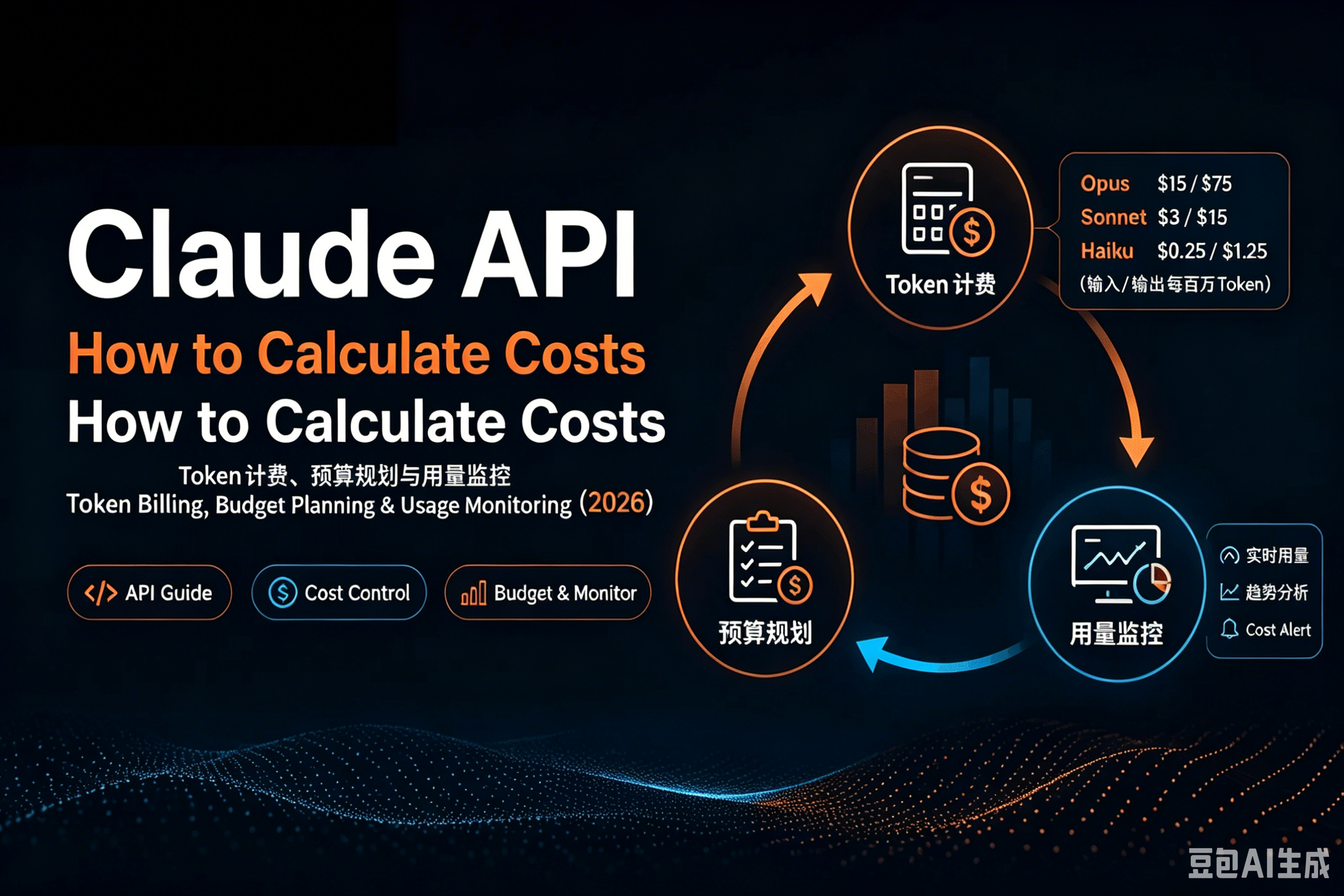
If you are adding Claude to a product, the hard part is rarely the first API call. The harder question is: what will this cost after real users, long conversations, retries, and production traffic show up?
Claude API pricing is token-based. That sounds simple, but budgets can drift quickly when output tokens are much more expensive than input tokens, conversation history is resent on every turn, and cached context is only cheap after it is reused.
This guide gives you a practical way to estimate spend before launch, measure real usage after launch, and reduce cost without blindly downgrading every request to the cheapest model.
The 30-second version
- Claude charges by tokens, not by request count or wall-clock time.
- Input and output tokens are priced separately. Output is usually about 5x the input price for the same model family.
- Prompt caching has separate prices: cache writes cost more than normal input, while cache hits cost much less.
- A useful estimate needs only three numbers: average input tokens, average output tokens, and monthly request volume.
- The best cost controls are model routing, prompt caching, batch processing, output limits, and usage monitoring.
- Do not set a large production budget from a spreadsheet alone. Run real traffic for a small sample, measure the
usagefield, then scale from observed cost.
How Claude API billing works
Claude API usage is metered in tokens. A token is the unit the model processes internally. For rough planning:
- Chinese text can be estimated conservatively at about 1.5 to 2 tokens per Chinese character.
- English text is often around 1.2 to 1.3 tokens per word.
- One million tokens is roughly 500,000 to 600,000 Chinese characters, depending on the text.
For a normal Messages API call, the bill is made from several parts:
| Cost component | What it includes | Planning note |
|---|---|---|
| Input tokens | System prompt, conversation history, documents, examples, and the current user message | This grows fast in long conversations |
| Output tokens | The assistant response | Usually the most expensive part |
| Cache write tokens | Stable prompt content stored in prompt cache | More expensive than normal input |
| Cache hit tokens | Cached content reused by later calls | Much cheaper than normal input |
Three details matter more than most teams expect.
First, output length is a budget lever. If you let the model write freely, it can produce much more cost than the original prompt. Set max_tokens, ask for concise responses, and use structured formats when possible.
Second, conversation history is not free. In a multi-turn chat, previous messages are usually sent again as input. A short chat can become a long prompt after enough turns.
Third, caching only pays off when the cached content is reused. A cache write costs more than normal input, but a cache hit is much cheaper. That makes caching excellent for repeated system prompts, stable documents, long examples, agent instructions, and recurring RAG context.
Current reference prices
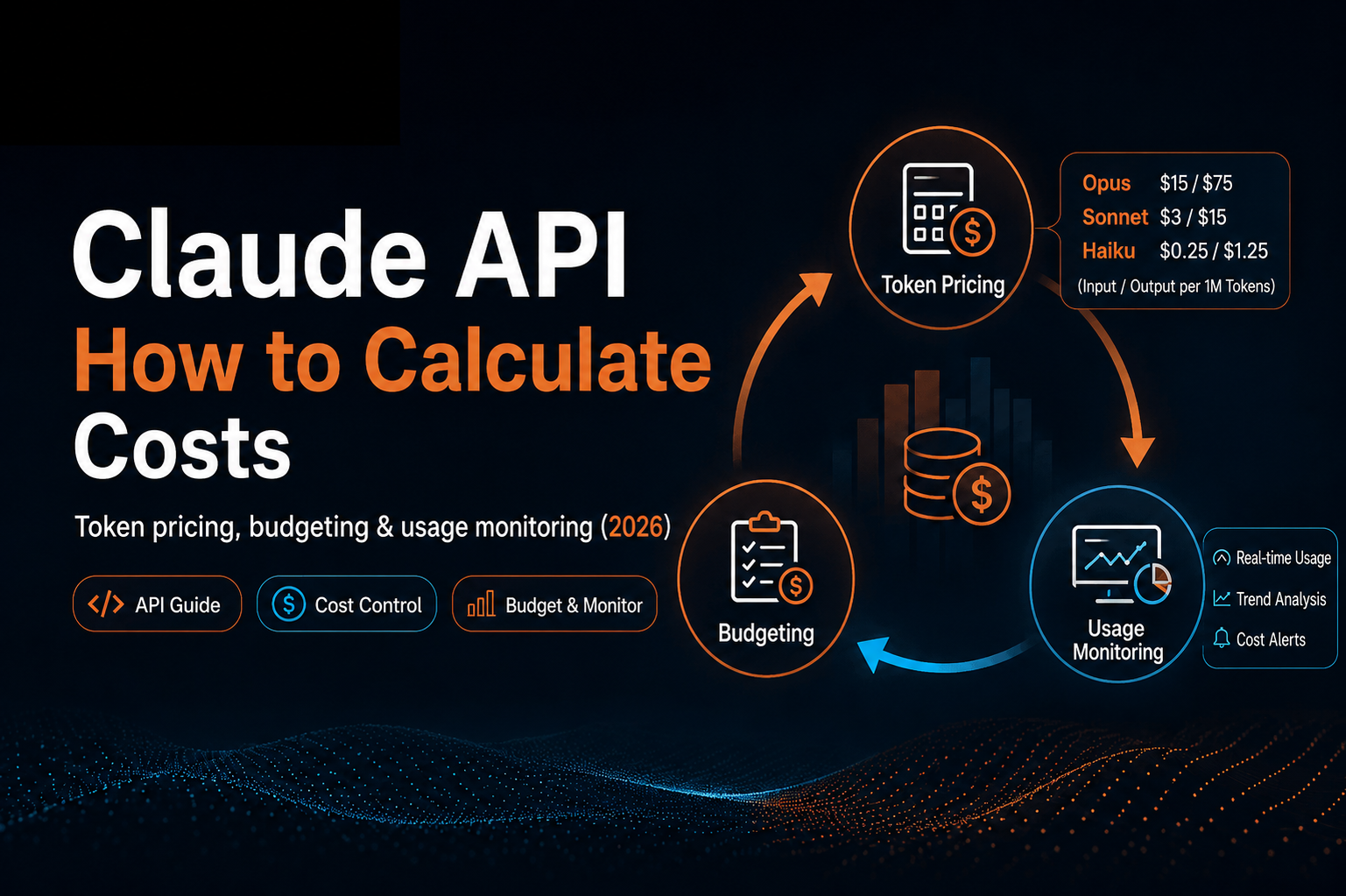
Anthropic’s public pricing page lists prices per million tokens, also called MTok. As of the verified pricing page, these are the core standard API prices for the models discussed in the source article:
| Model | Input | 5m cache write | 1h cache write | Cache hit | Output |
|---|---|---|---|---|---|
| Claude Opus 4.8 | $5 / MTok | $6.25 / MTok | $10 / MTok | $0.50 / MTok | $25 / MTok |
| Claude Sonnet 4.6 | $3 / MTok | $3.75 / MTok | $6 / MTok | $0.30 / MTok | $15 / MTok |
| Claude Haiku 4.5 | $1 / MTok | $1.25 / MTok | $2 / MTok | $0.10 / MTok | $5 / MTok |
For ClaudeAPI, the source article states that claudeapi.com is an independent third-party technical service provider and that its console may show its own USD and CNY prices, recharge rules, discounts, and supported payment methods. Treat those platform prices as console-specific, not as Anthropic’s official API list. Before budgeting, check the live console for the account and billing currency you will actually use.
The durable takeaway is the pricing shape:
- Opus is for the most complex work.
- Sonnet is the default workhorse for many production tasks.
- Haiku is the high-frequency, lightweight option.
- Output tokens usually cost 5x input tokens.
- Cache reads cost 0.1x base input price.
- Batch processing can reduce asynchronous workloads by 50% on input and output tokens.
The cost formula
Use this formula for one request:
request cost =
  input_tokens / 1,000,000 * input_price
+ output_tokens / 1,000,000 * output_price
+ cache_write_tokens / 1,000,000 * cache_write_price
+ cache_hit_tokens / 1,000,000 * cache_hit_price
request cost =
  input_tokens / 1,000,000 * input_price
+ output_tokens / 1,000,000 * output_price
+ cache_write_tokens / 1,000,000 * cache_write_price
+ cache_hit_tokens / 1,000,000 * cache_hit_price
For a monthly estimate:
monthly budget =
  average_request_cost * monthly_request_count * (1 + buffer)
monthly budget =
  average_request_cost * monthly_request_count * (1 + buffer)
A 20% to 30% buffer is a sensible starting point because production traffic usually includes retries, longer-than-expected prompts, edge cases, and debugging calls.
Example: document summarization
Suppose a document summarization workflow uses Claude Sonnet 4.6 with:
- 8,000 input tokens
- 1,500 output tokens
- no prompt caching in the first estimate
Using Anthropic’s reference prices of $3 / MTok input and $15 / MTok output:
input cost  = 8,000 / 1,000,000 * 3  = $0.024
output cost = 1,500 / 1,000,000 * 15 = $0.0225
total       = $0.0465 per request
input cost  = 8,000 / 1,000,000 * 3  = $0.024
output cost = 1,500 / 1,000,000 * 15 = $0.0225
total       = $0.0465 per request
At 2,000 documents per day for 30 days:
$0.0465 * 2,000 * 30 = $2,790 per month
$0.0465 * 2,000 * 30 = $2,790 per month
That estimate is not a promise. It is a planning model. Your real cost depends on average document length, output limits, retries, cache hit rates, and model routing.
Build a budget in four steps
Step 1: Measure real token usage
Before launch, run 20 to 50 realistic requests. Do not use tiny test prompts unless tiny prompts are your actual product.
Record:
- input tokens
- output tokens
- cache creation tokens, if any
- cache read tokens, if any
- model name
- endpoint or feature name
Step 2: Calculate average request cost
Apply the formula above to each request, then calculate the average and p95 cost. The p95 number matters because a few long requests can dominate spend.
Step 3: Estimate monthly volume
Use expected product activity, not just API call count. For example:
monthly calls =
  monthly active users
* average AI actions per user
* API calls per AI action
monthly calls =
  monthly active users
* average AI actions per user
* API calls per AI action
Agentic workflows often make multiple model calls for one visible user action, so measure the full chain.
Step 4: Add a buffer and set a limit
Add 20% to 30% for normal variance. If the workflow has retries, long context, or unpredictable user-generated input, use a larger buffer until you have production data.
Budget patterns by team size
| Team or project | Typical use | Suggested model strategy | Budgeting approach |
|---|---|---|---|
| Personal project or prototype | Assistants, demos, scripts | Haiku first, Sonnet fallback | Start with a small prepaid balance or low monthly cap |
| Small to midsize team | Support, RAG, content workflows | Sonnet for core work, Haiku for routing and extraction | Measure real traffic, then add a 30% buffer |
| Larger production system | Multi-agent workflows, code tasks, long context | Route across Haiku, Sonnet, and Opus | Track spend by model, endpoint, customer, and environment |
The important habit is separating high-value expensive calls from high-frequency routine calls. Do not let a low-value classifier quietly run on Opus because it was convenient during prototyping.
Monitor usage in your application
Do not wait for the invoice to learn how your application behaves. Log token usage from the API response and send it to your normal observability stack.
import anthropic

client = anthropic.Anthropic(
    api_key="CLAUDE_API_KEY",
    base_url="https://api.example.com",  # Replace with your actual base URL.
)

response = client.messages.create(
    model="claude-sonnet-4-6",
    max_tokens=1024,
    messages=[
        {
            "role": "user",
            "content": "Summarize these meeting notes in five bullets...",
        }
    ],
)

usage = response.usage

print(
    {
        "input_tokens": usage.input_tokens,
        "output_tokens": usage.output_tokens,
    }
)
import anthropic

client = anthropic.Anthropic(
    api_key="CLAUDE_API_KEY",
    base_url="https://api.example.com",  # Replace with your actual base URL.
)

response = client.messages.create(
    model="claude-sonnet-4-6",
    max_tokens=1024,
    messages=[
        {
            "role": "user",
            "content": "Summarize these meeting notes in five bullets...",
        }
    ],
)

usage = response.usage

print(
    {
        "input_tokens": usage.input_tokens,
        "output_tokens": usage.output_tokens,
    }
)
In production, attach metadata:
- feature or route name
- user, tenant, or customer ID
- model
- environment
- latency
- retry count
- cache hit and cache write tokens, when available
This lets you answer questions like:
- Which endpoint is spending the most?
- Did output length change after a prompt update?
- Is a low-value task using a high-cost model?
- Are retries doubling token usage?
- Are cache writes actually producing cache hits?
Practical cost controls
Route by task complexity
A simple routing policy can cut cost without lowering quality everywhere:
Classification, extraction, translation, routing  -> Haiku
RAG answers, everyday coding, content generation   -> Sonnet
Complex refactoring, deep reasoning, key decisions -> Opus
Classification, extraction, translation, routing  -> Haiku
RAG answers, everyday coding, content generation   -> Sonnet
Complex refactoring, deep reasoning, key decisions -> Opus
This does not need to be perfect on day one. Start with obvious low-risk routes, measure quality, and expand from there.
Use prompt caching for repeated context
Prompt caching is strongest when a large piece of context is reused: a system prompt, policy document, long tool instruction, few-shot examples, or shared knowledge base excerpt.
Anthropic’s pricing page describes these cache multipliers:
- 5-minute cache write: 1.25x base input price
- 1-hour cache write: 2x base input price
- cache read: 0.1x base input price
That means a 5-minute cache can pay off after one read, and a 1-hour cache can pay off after two reads.
Use batch processing for non-real-time work
If a job does not need an immediate response, batch it. Anthropic’s Batch API pricing provides a 50% discount on input and output tokens for asynchronous workloads.
Good candidates include:
- offline document summarization
- data labeling
- content classification
- nightly enrichment jobs
- large-scale evaluation runs
Control output length
Because output is usually much more expensive than input, prompt design should include an output budget.
Use constraints like:
- “Return only JSON.”
- “Use no more than 8 bullet points.”
- “Do not include explanation.”
- “Keep the answer under 120 words.”
Also set max_tokens. A prompt instruction is helpful, but an API limit is enforceable.
Separate environments
Track development, staging, and production separately. Test traffic can hide real cost patterns if everything uses the same key, project, or billing label.
Also add:
- monthly soft alerts
- daily spend anomaly alerts
- per-customer or per-tenant quotas
- exponential backoff for retries
- maximum retry counts
- timeouts
Retries are useful. Infinite retries are just a budget bonfire wearing a trench coat.
Common questions
Is Claude billed per request?
No. It is billed by tokens. A short request and a long-document request may both count as one API call, but they can have very different costs.
Why is output so expensive in my bill?
For the models covered here, output tokens are typically priced about 5x higher than input tokens. Long answers, verbose formatting, and unbounded generation can become expensive quickly.
Why do long chats get more expensive?
Each turn usually resends prior conversation history as input. As the chat grows, the input grows. Summarize old context, trim history, or use caching for stable context.
Should I always use the cheapest model?
No. The cheapest model can become expensive if it causes retries, poor answers, or extra repair calls. Route simple tasks to cheaper models, but keep stronger models for tasks where quality matters.
How should I start?
Run a small real-world sample, log token usage, calculate average and p95 request cost, then scale the budget from observed traffic. That is much safer than guessing from a single prompt.